Skip to content
Inkestra

Draw it.
Hear it.

Lines become notes, colors become instruments. Draw a picture and Inkestra plays it as a song.

Download on the App Store Get it on Google Play
  • No wrong notes
  • Sounds play on your device
  • Share as audio, MIDI or video
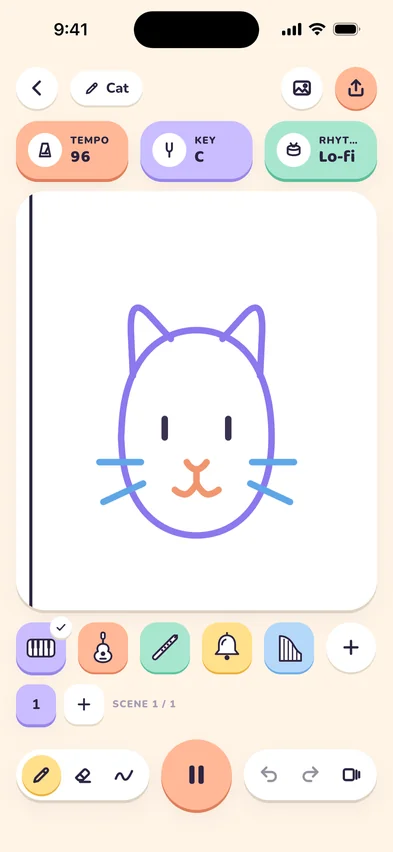
The Inkestra studio playing a cat drawing

How it works

From a line to a song in three steps

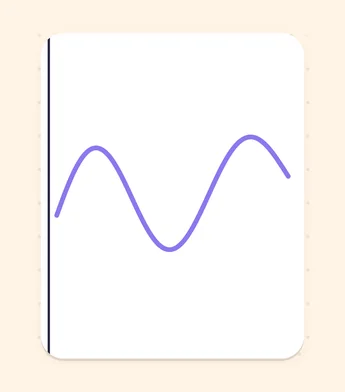
  1. A wavy line on the canvas with the playhead at its start
    1

    Draw from left to right

    The higher the line, the higher the note. There are no wrong notes, so every line sounds good.

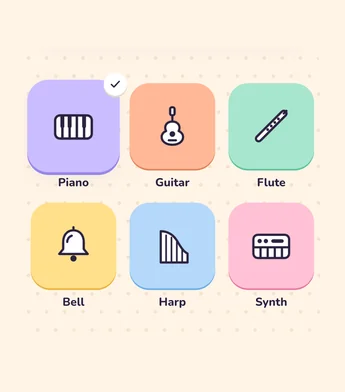
  2. Instrument tiles for piano, guitar, flute, bells, harp and synth
    2

    Every color is an instrument

    Pick a pen and its color sets the sound: lilac piano, peach guitar, mint flute… Every sound plays on your device.

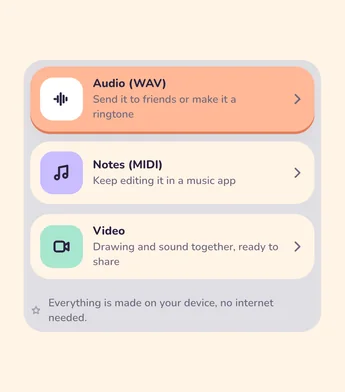
  3. The audio, MIDI and video options of the Share panel
    3

    Build your song scene by scene

    Add scenes one after another and pick a rhythm. When you’re done, share your song as audio, MIDI or video.

Features

Everything you need to draw a song

01

Start from a template

Begin with a ready-made drawing like a cat, waves, the sun or a rocket, or start on a blank canvas. Templates are sorted into animals, nature, rhythm and shapes.

  • Cat
  • Waves
  • Sun
  • Fish
  • Rocket
  • Flower

02

Pick your instruments

Piano, guitar, flute, bells, harp, synth and more, grouped into keys, strings, wind, percussion and synth. Turn the instrument wheel to choose the sound of your pen.

  • Piano
  • Guitar
  • Flute
  • Bells
  • Harp
  • Synth

03

Set the mood

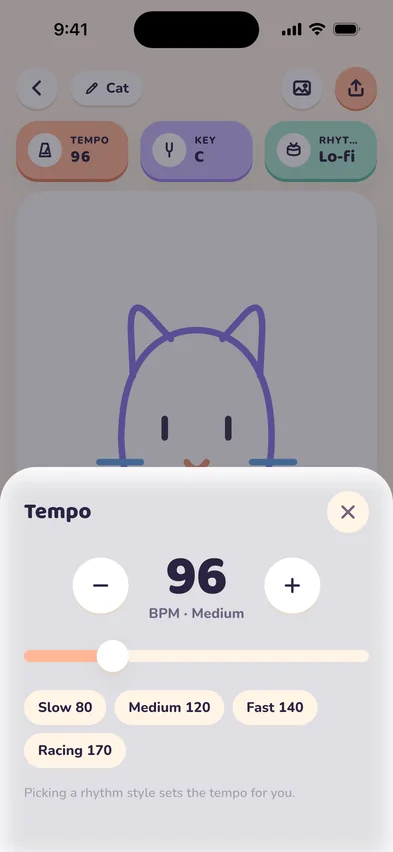
Choose a tempo from 60 to 200 BPM, a key and a scale. Happy, sad, bright or dramatic: the scale sets the feel of your song, and a rhythm style like lo-fi, hip-hop, pop or funk keeps the beat.

The Inkestra tempo setting with a slider from slow to fast

Scale

  • Happy
  • Sad
  • Bright
  • Dramatic

Rhythm

  • Lo-fi
  • Hip-hop
  • Pop
  • Funk

04

Share your song

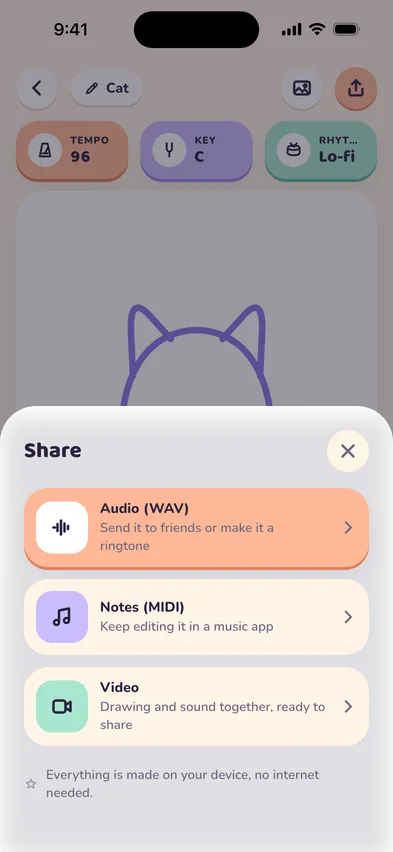
Export your song as audio (WAV), as MIDI to keep working in a music app, or as a video with your drawing and the sound together. Everything is prepared on your device, no internet needed.

The Inkestra share sheet with audio, MIDI and video options
  • Audio (WAV)
  • MIDI
  • Video
  • Pencil and eraser
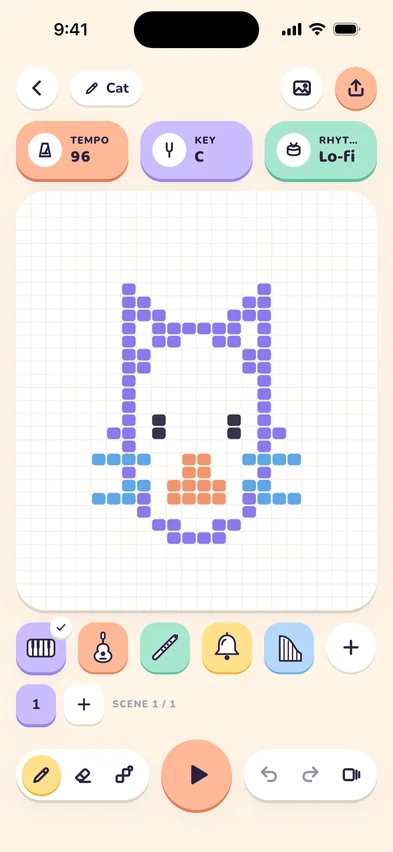
  • Line and pixel modes
  • Undo and redo
  • Scenes

FAQ

Questions, answered

Something else? Ask us.

What is Inkestra?

Inkestra turns drawings into music. Draw lines from left to right and they play as notes, and every pen color is an instrument. Add scenes, pick a rhythm and share your song as audio, MIDI or video.

Do I need to know music?

No. Your lines always stay in the key and scale you choose, so there are no wrong notes. Higher lines play higher notes.

How does a drawing become a song?

A playhead moves across your canvas from left to right. The higher a line, the higher its note. Each color plays its own instrument, and the tempo sets how fast the playhead moves.

Which instruments can I play?

Piano, guitar, flute, bells, harp, synth and many more, grouped into keys, strings, wind, percussion and synth. Turn the instrument wheel to pick the sound of your pen.

How do I share my song?

Tap Share and choose audio (WAV), MIDI or video. Everything is prepared on your device, so you don’t need an internet connection.

I need help. How can I reach you?

Send us a message from the support page or write to [email protected].

Draw your first song today.

Download Inkestra and turn your first line into music.

Download on the App Store Get it on Google Play